
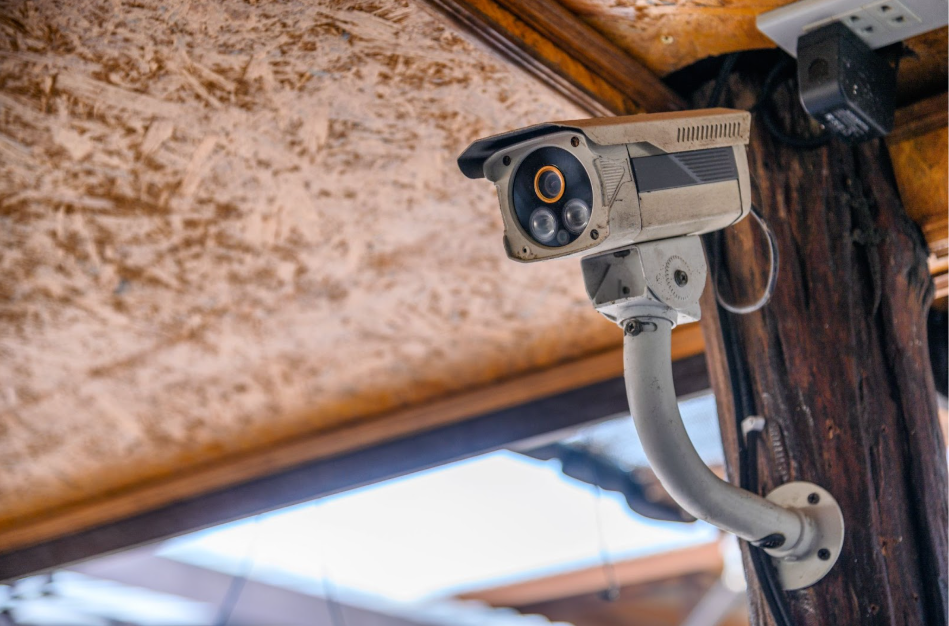
Most homeowners don’t realise that CCTV cameras have a lifespan. Degradation happens gradually. By the time it becomes obvious, parts of the system may already be compromised.
If you’re unsure whether it’s time to purchase a replacement CCTV camera, this guide will help you spot the signs early and make a confident decision.
Explore more — Question Answered – Reasons Why Your CCTV Camera Not Working
Signs You Need a Replacement CCTV Camera
1. The Picture is No Longer Clear Enough to Rely On
If your footage looks grainy, blurry, or washed out, even after cleaning the lens, that’s a red flag.
Older CCTV cameras often struggle with:
- Low resolution that can’t capture facial details
- Poor night vision that turns footage into shadows
- Overexposed images when lighting changes
Clear footage matters when you need it. If faces, licence plates, or movement are hard to identify, your camera is no longer doing its job.
This is one of the most common reasons homeowners opt for a replacement CCTV camera.
2. Night Footage Feels Like Guesswork
Security incidents rarely happen in perfect lighting.
If your camera struggles after sunset, takes too long to adjust, or produces noisy black-and-white footage, it may be outdated. Newer CCTV cameras handle low light far better and switch smoothly between day and night modes.
When night footage leaves you squinting or guessing, your CCTV camera can no longer be relied on.

3. Your Camera Keeps Disconnecting or Missing Recordings
A CCTV camera should run quietly in the background. You shouldn’t need to check if it’s working.
Frequent issues such as:
- Random disconnections
- Missed motion alerts
- Gaps in recordings
- Cameras going offline without warning
These are signs of ageing hardware or compatibility problems. Over time, repairs become more frequent and less effective.
At this point, a replacement CCTV camera is often the more reliable and cost-effective choice.
4. Your System No Longer Works Well with Modern Devices
Many older CCTV systems weren’t designed to work seamlessly with today’s smartphones, apps, or home networks.
You may notice:
- Limited or no mobile access
- Slow loading times
- Apps that are no longer supported
- Difficulty integrating with your home WiFi
A modern CCTV system should be easy to access and manage. If yours feels dated or difficult to use, upgrading can improve both performance and convenience.
5. Repairs are Becoming a Regular Routine
One repair can make sense. Several repairs often point to a bigger issue.
If you’re repeatedly replacing cables, power supplies, or storage components, costs can add up fast. Each fix also tends to address only one fault, rather than the system as a whole.
In these situations, opting for a replacement CCTV camera can be more practical than continuing with piecemeal repairs.
Newer systems are designed to be more stable and energy-efficient, with fewer ongoing issues over time.
6. Your CCTV Camera is Reaching the End of its Usable Lifespan
Most CCTV cameras are designed to last around 10 to 15 years, but performance naturally declines over time.
As systems age, issues often start appearing together. Footage becomes less clear. Response times slow. Disconnections become more frequent. At this stage, repairs tend to offer only temporary relief.
If your camera has been in use for many years and several signs in this guide sound familiar, it may be approaching the end of its usable lifespan.
Replacing the camera can restore consistent performance and reliability.
What Happens if You Delay Replacing Your CCTV Camera
Delaying camera replacement may seem harmless, but outdated CCTV creates risks.
You could face:
- Missed incidents due to faulty recording
- Unusable footage when you need proof
- False confidence in a system that no longer performs
- Higher costs from repeated fixes
A camera that can’t be relied on offers limited protection. If you’re already seeing repeated faults or inconsistent footage, it may be time to rethink it.
Have questions about your CCTV or unsure if it needs replacing? Contact Dr WiFi today for a professional inspection.
Simple Maintenance Tips to Extend CCTV Lifespan
Not every issue means immediate replacement. If your CCTV camera is still performing reasonably well, a few simple habits can help extend its usable life and keep footage reliable.
1. Keep the lens and housing clean
Dust, moisture, and grime build up slowly. Wipe the lens and camera housing every few months with a soft, dry cloth. Avoid harsh cleaners. They can damage coatings and affect image clarity.
2. Check for loose cables and connectors
Over time, cables can loosen due to weather, vibrations, or minor shifts in mounting. A quick visual check helps prevent intermittent signal loss and unexpected downtime.
3. Make sure ventilation isn’t blocked
CCTV cameras generate heat. Poor airflow shortens component lifespan. Ensure vents are clear and the camera isn’t exposed to excessive heat or direct sunlight for long periods.
4. Update firmware when available
If your camera supports updates, keeping firmware current helps maintain performance and security. Outdated firmware can cause compatibility issues or system instability.
5. Review footage occasionally, not only when something happens
Spot-checking recordings helps you notice early issues. Delays, missing clips, or image distortion often appear before a full failure.
These steps help maintain performance, but they don’t stop ageing. Even well-maintained systems reach a point where repairs and upkeep no longer make sense.
When that happens, a replacement CCTV camera becomes the more reliable option.
Should You Replace Your CCTV Camera Yourself
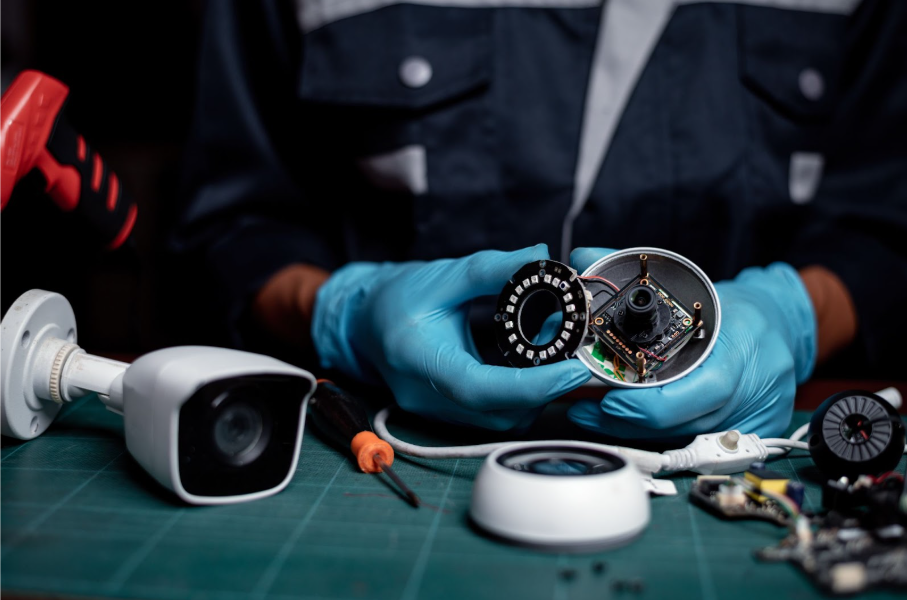
DIY replacement sounds tempting, especially when cameras are easy to buy online. But installation is only one part of the equation.
Many homeowners run into issues with:
- Poor camera placement that leaves blind spots
- Incorrect angles that reduce coverage
- Network interference and unstable connections
- Choosing cameras that don’t suit the property layout
Without a proper inspection, you may end up replacing one problem with another.
Why Professional Replacement Makes a Difference
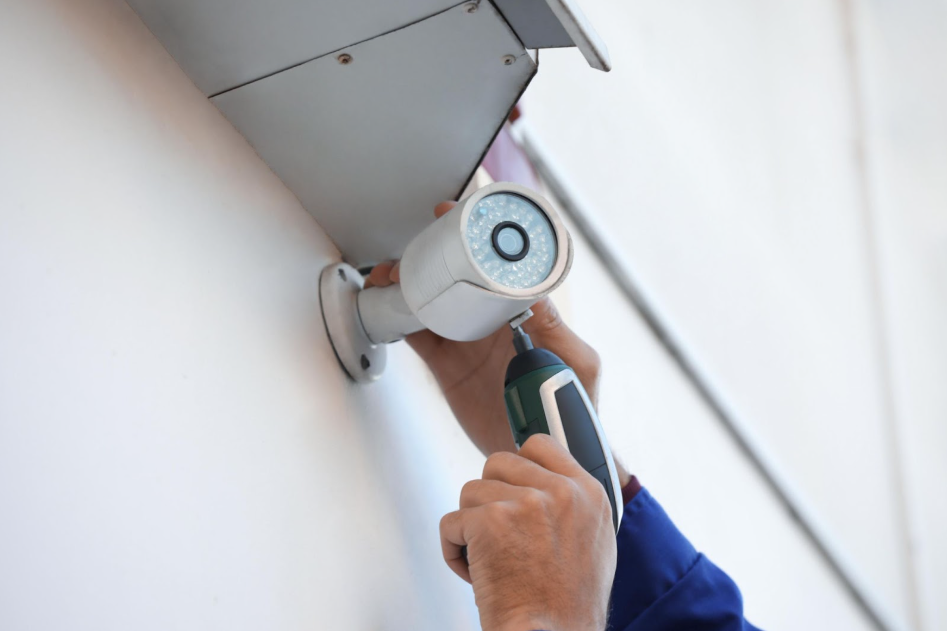
A professional handles your CCTV replacement carefully, ensuring you get full coverage and reliable performance. They start by understanding your home and your security needs.
That includes:
- Inspecting your current setup
- Identifying weak points in coverage
- Recommending suitable CCTV cameras for your space
- Handling installation, configuration, and testing
Making CCTV Replacement Simple and Effective with Dr WiFi
At Dr WiFi, we handle every step of your CCTV replacement. We make sure your system works properly from the start.
We handle:
- On-site assessment and inspection
- Selection of the right replacement CCTV camera
- Clear guidance on how to use and manage your system
When it’s Time for a Replacement CCTV Camera
CCTV cameras silently age, and the signs are easy to miss until problems appear.
If your footage is unclear, your system unreliable, or managing your cameras frustrating, it’s time for a replacement.
Replacing your cameras at the right time prevents bigger issues and keeps your home security reliable.
Want a professional opinion? We’re here to help. Book a consultation and assessment with Dr WiFi today for expert CCTV camera replacement guidance.